AM STUDIO - Basic Introduction - Machine Import
Learn how to select your desired 3D print for the new AM STUDIO so that you have the right parameters at your disposal.
Learn how to select your desired 3D print for the new AM STUDIO so that you have the right parameters at your disposal.
This training course introduces AM STUDIO for those users who want to learn the principles of powder bed fusion build...
This training course introduces AM STUDIO for those users who want to learn the principles of powder bed fusion bui...
This training course introduces AM STUDIO for those users who want to learn the principles of powder bed fusion build...
This training course introduces AM STUDIO for those users who want to learn the principles of powder bed fusion build...
This training course introduces AM STUDIO for those users who want to learn the principles of powder bed fusion build...
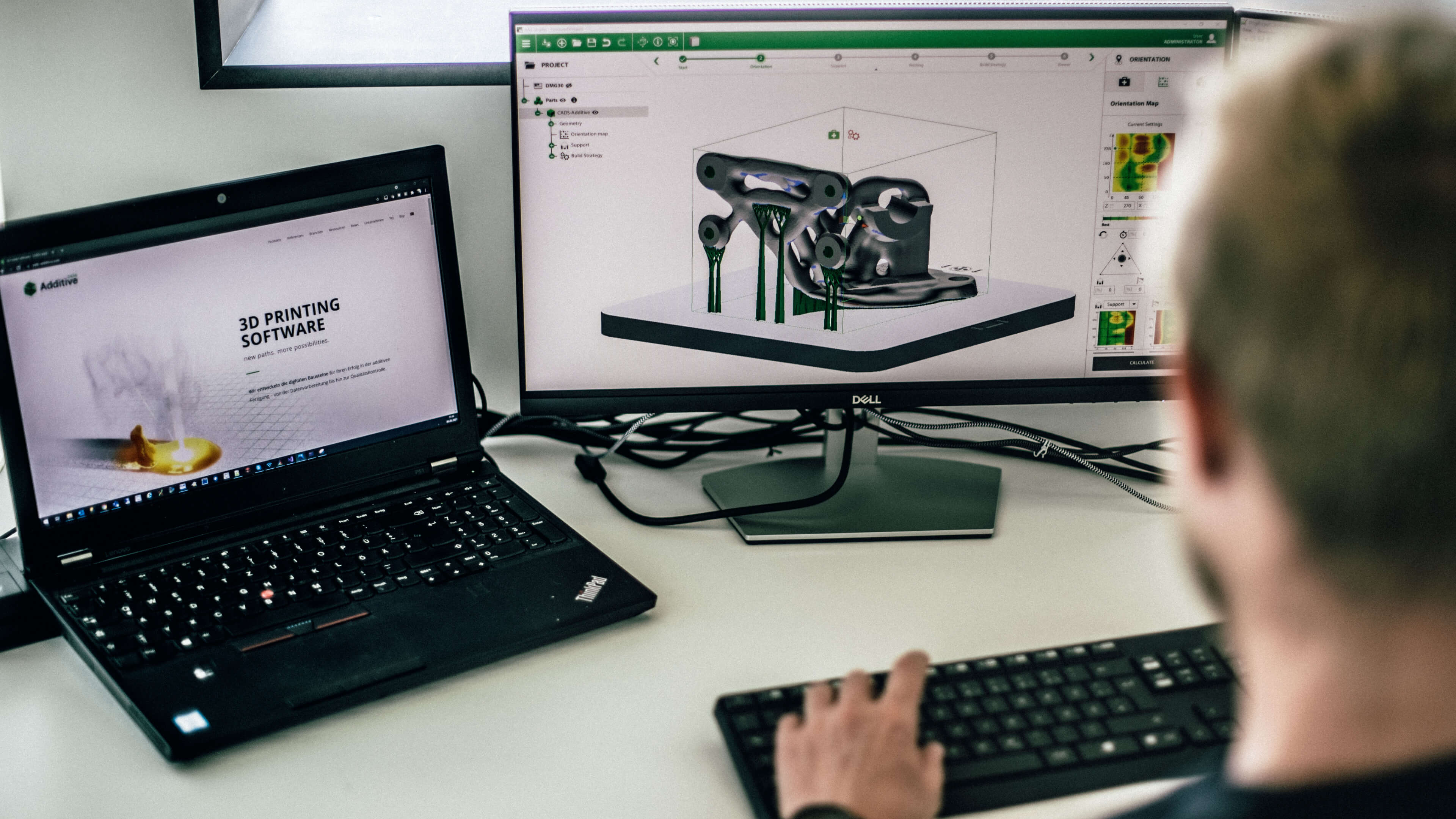
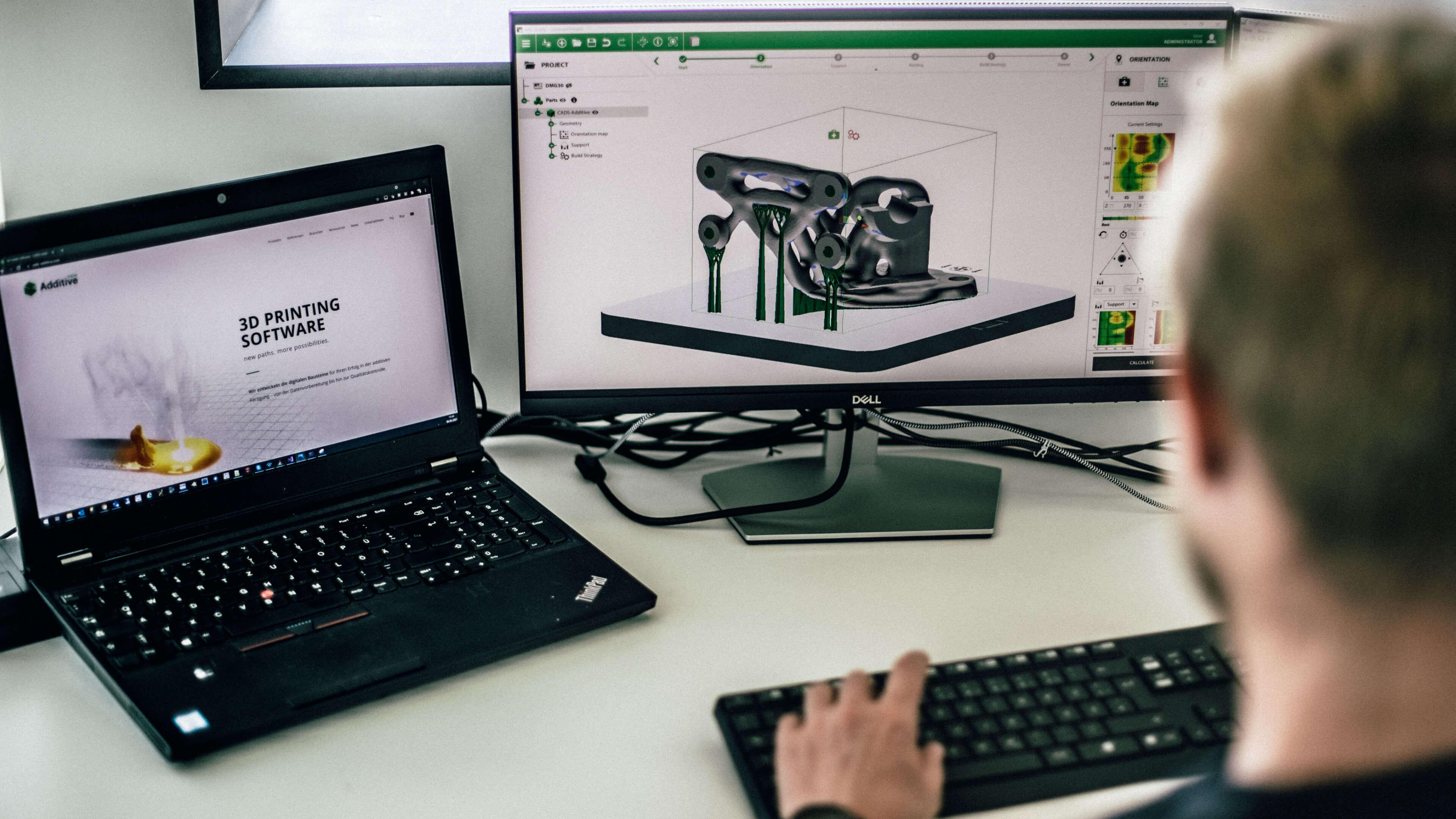
AM-STUDIO simplifies the process of 3D printing on powder bed fusion (PBF) machines. The software guides users throug...
In this tutorial, we will show you how easy data preparation for metal 3D printing can be using our software solution...
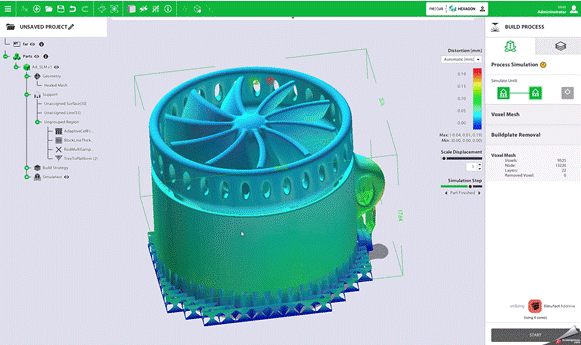
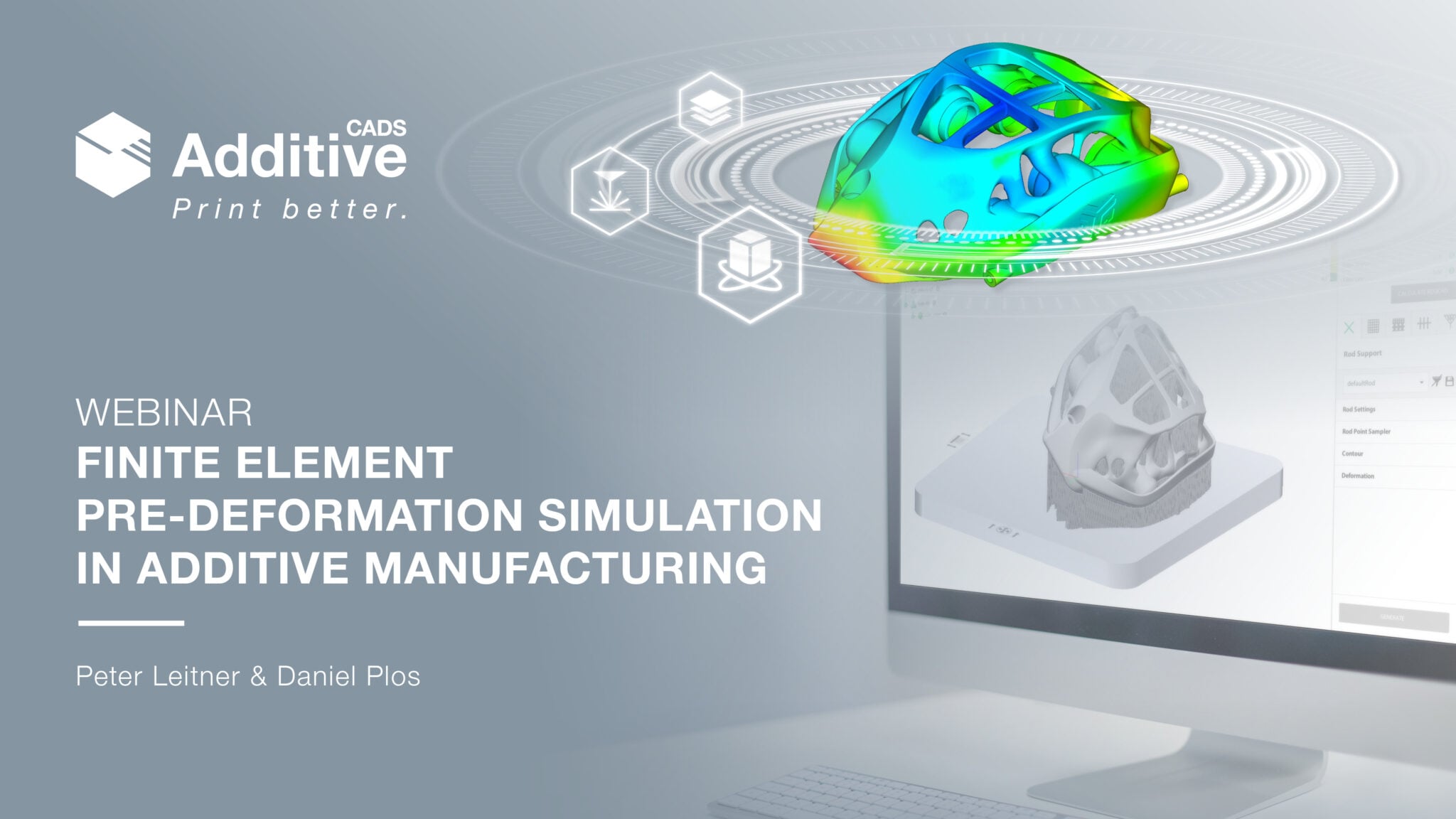
In this webinar on finite element warpage simulation in metal 3D printing, we will show you how easy data preparation...
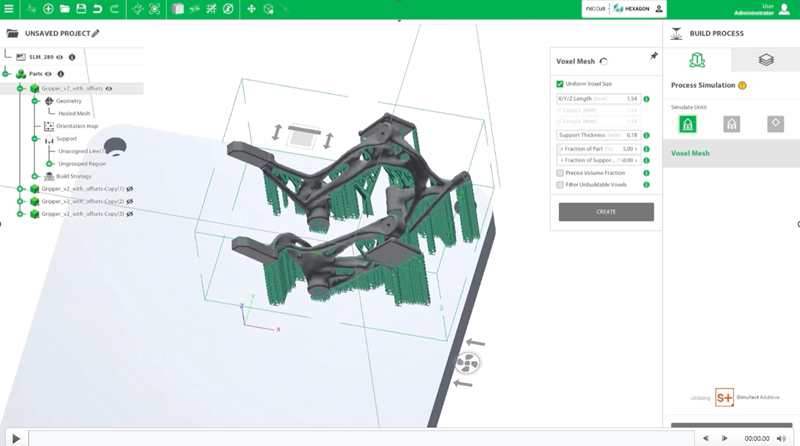
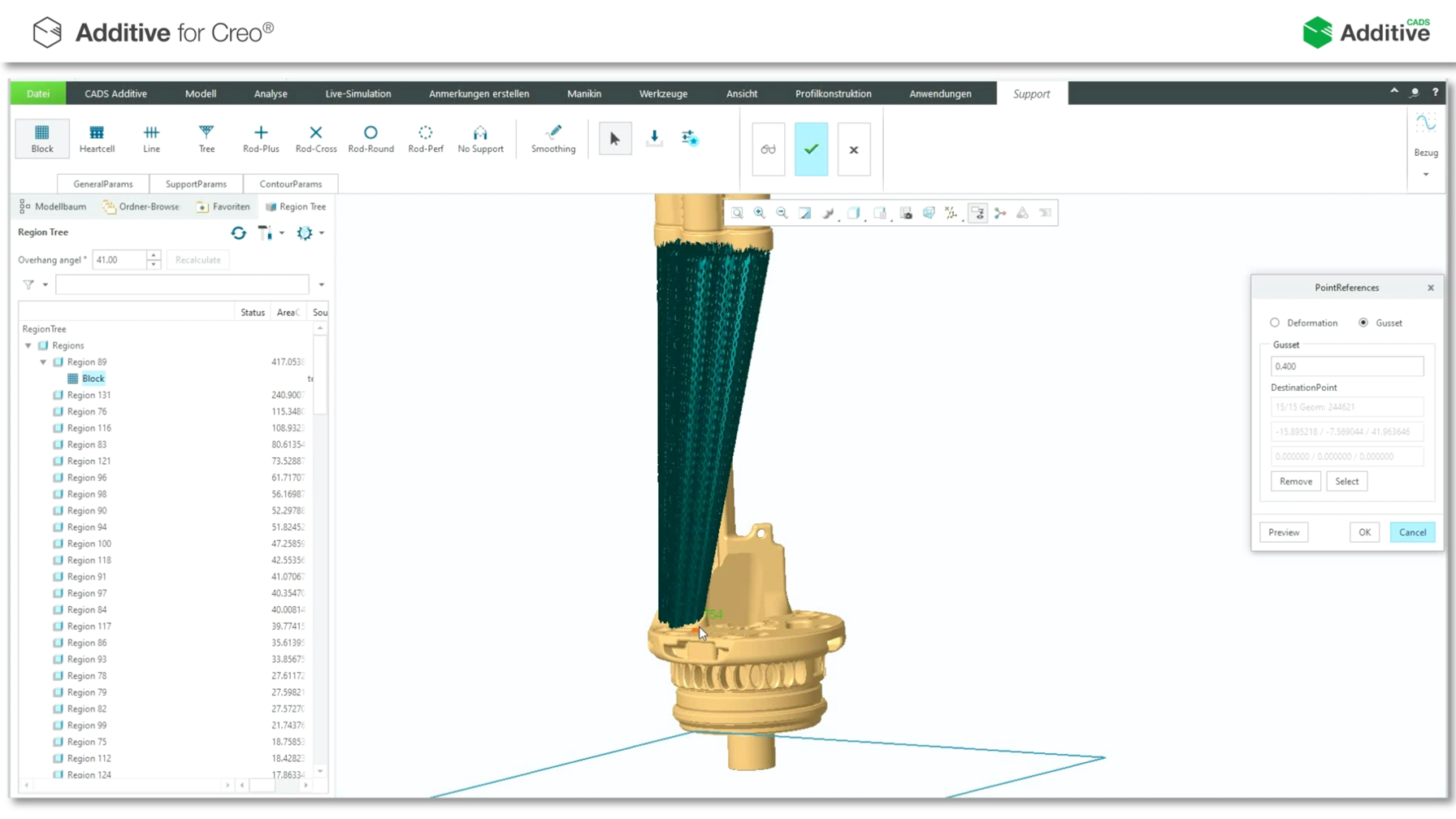
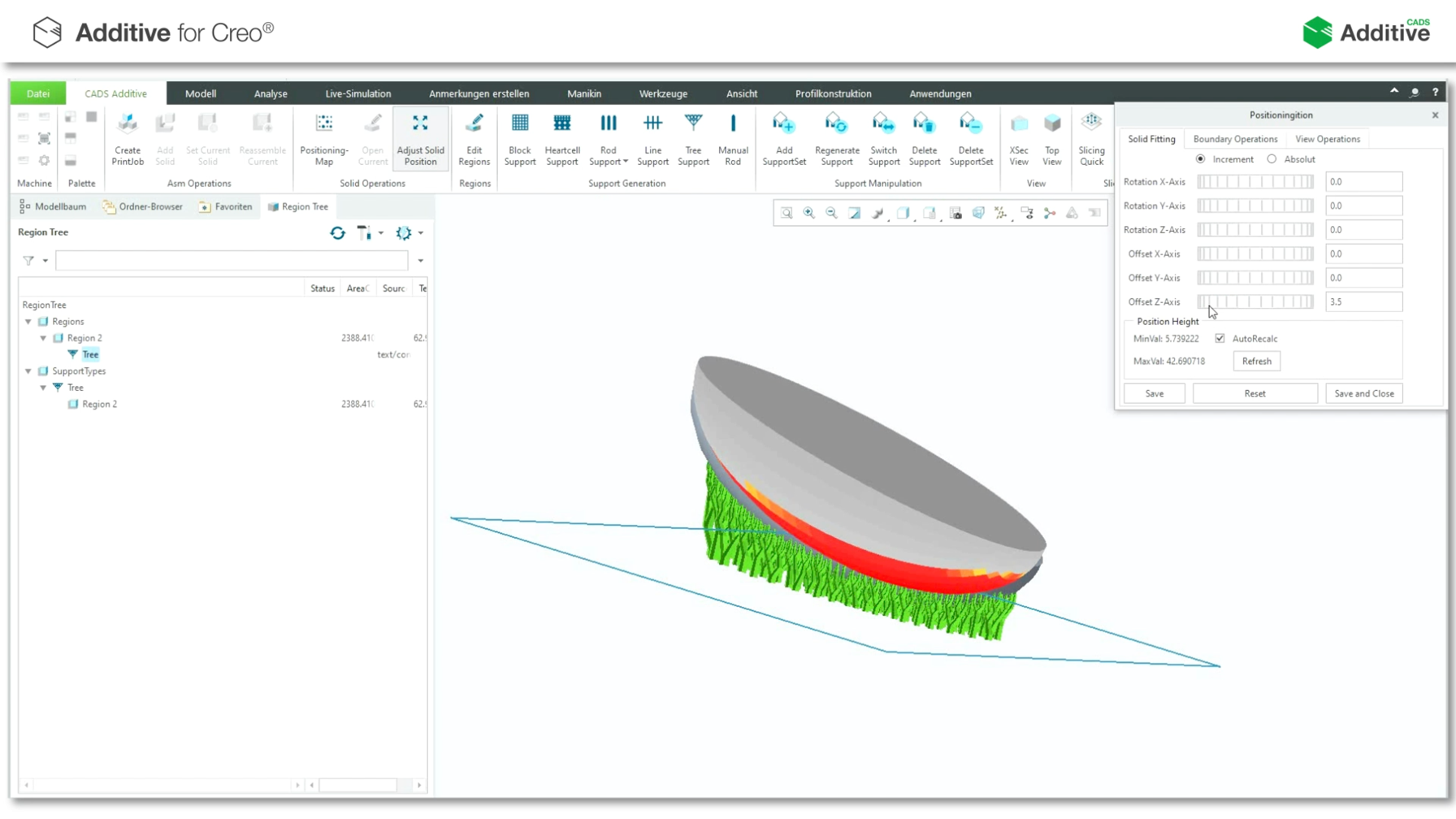
Saving of material and construction time by optimizing the support geometry of the block. The required support is tap...
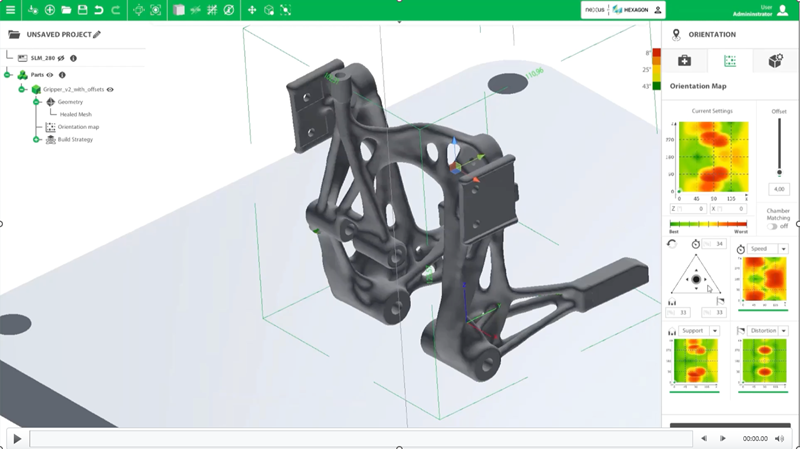
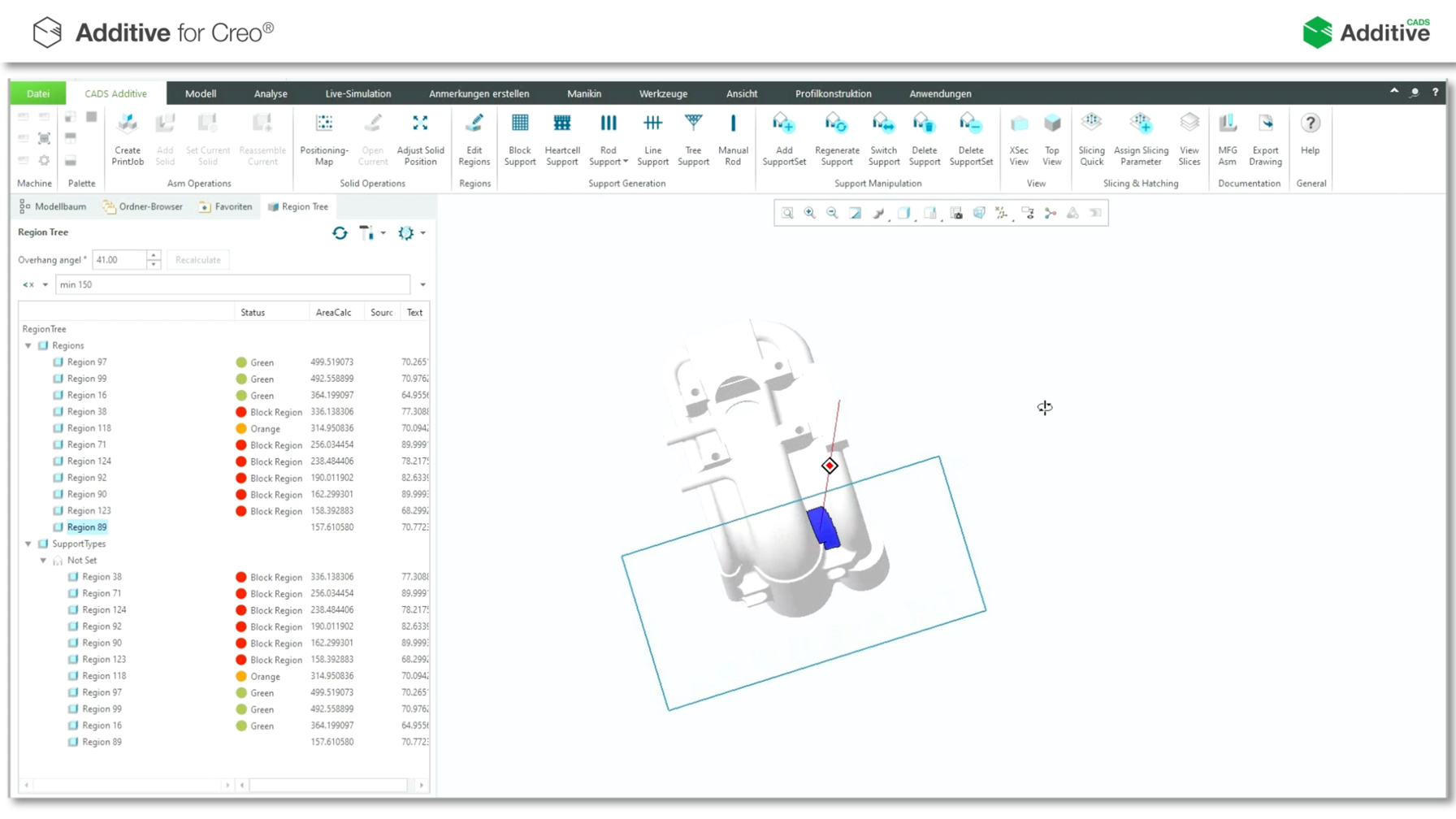
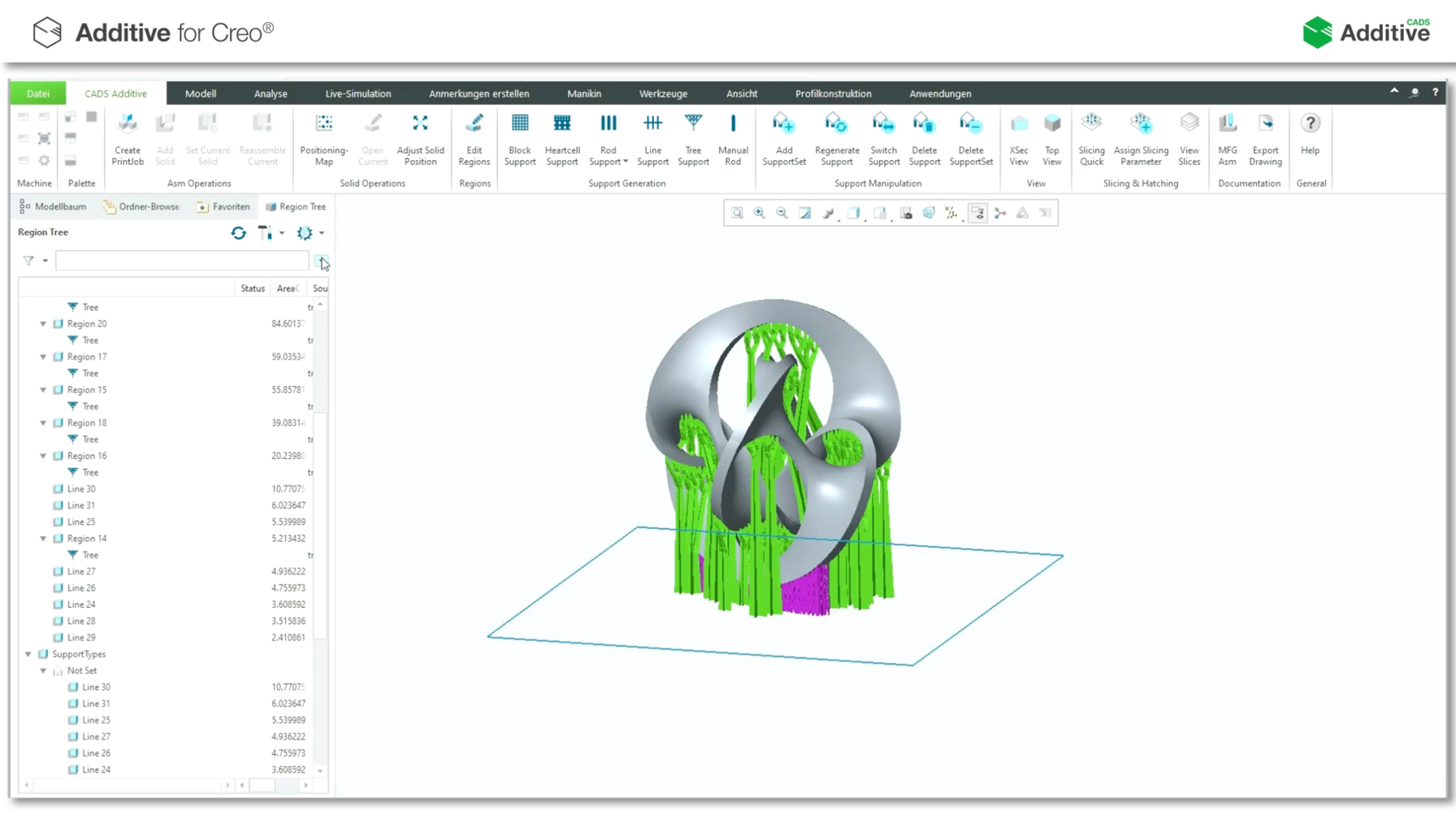
Assignment of the optimal support geometry using the Model Tree. Calculated support regions can be filtered according...
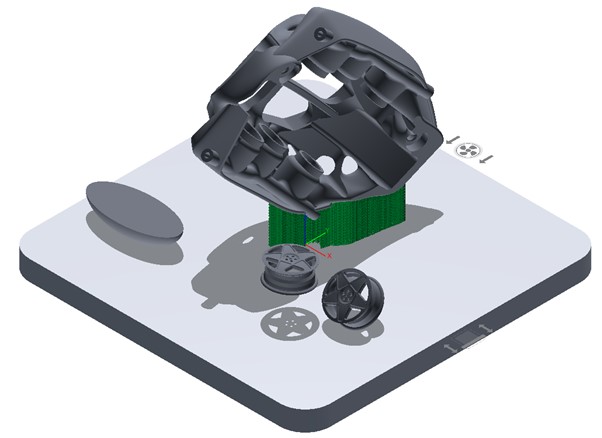
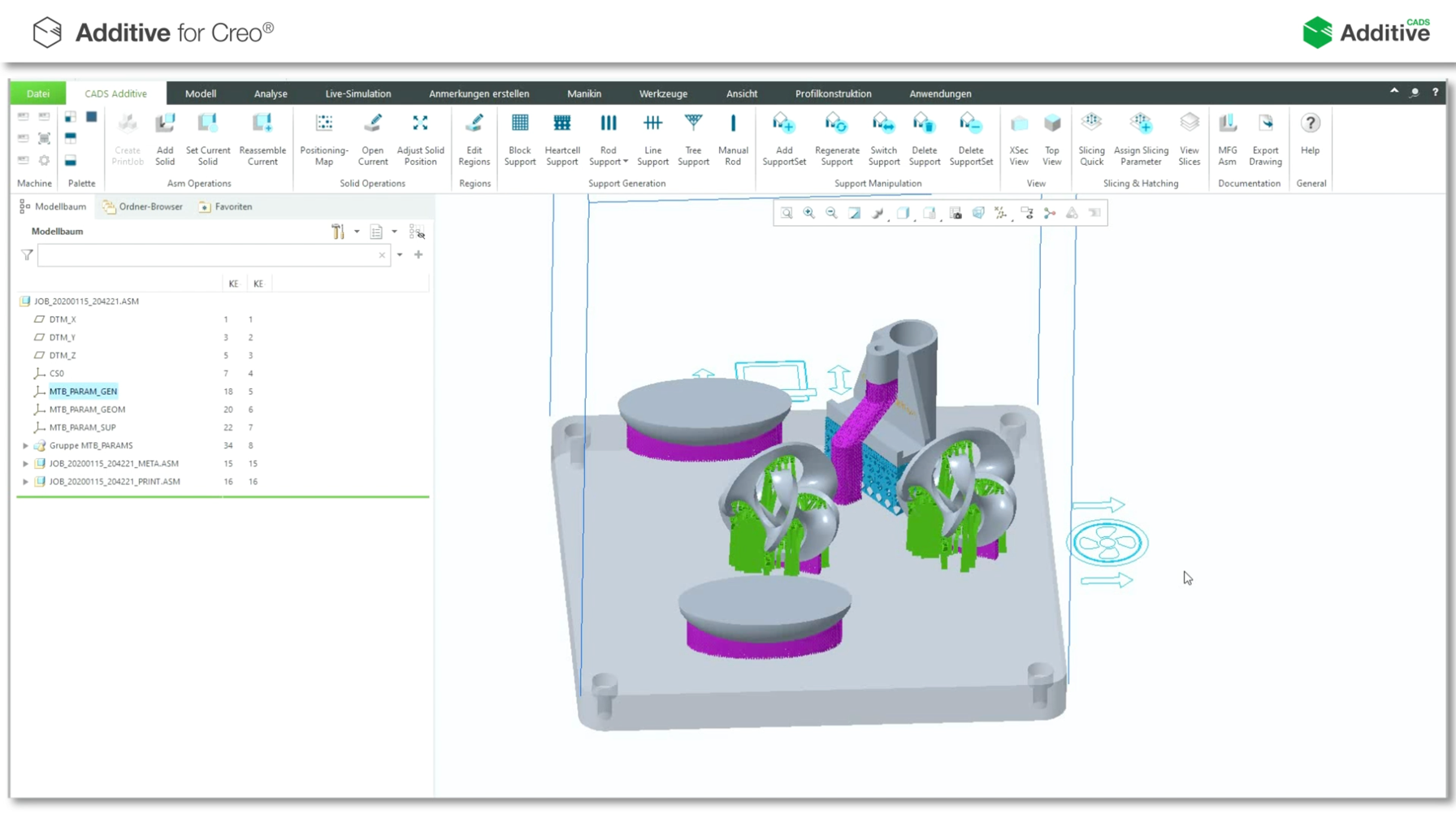
Creation and selection of the desired machine. In this print job, the components already prepared and equipped with s...
By interpolating the triangles created in the support, rounded geometries are created, and improved buildability is g...
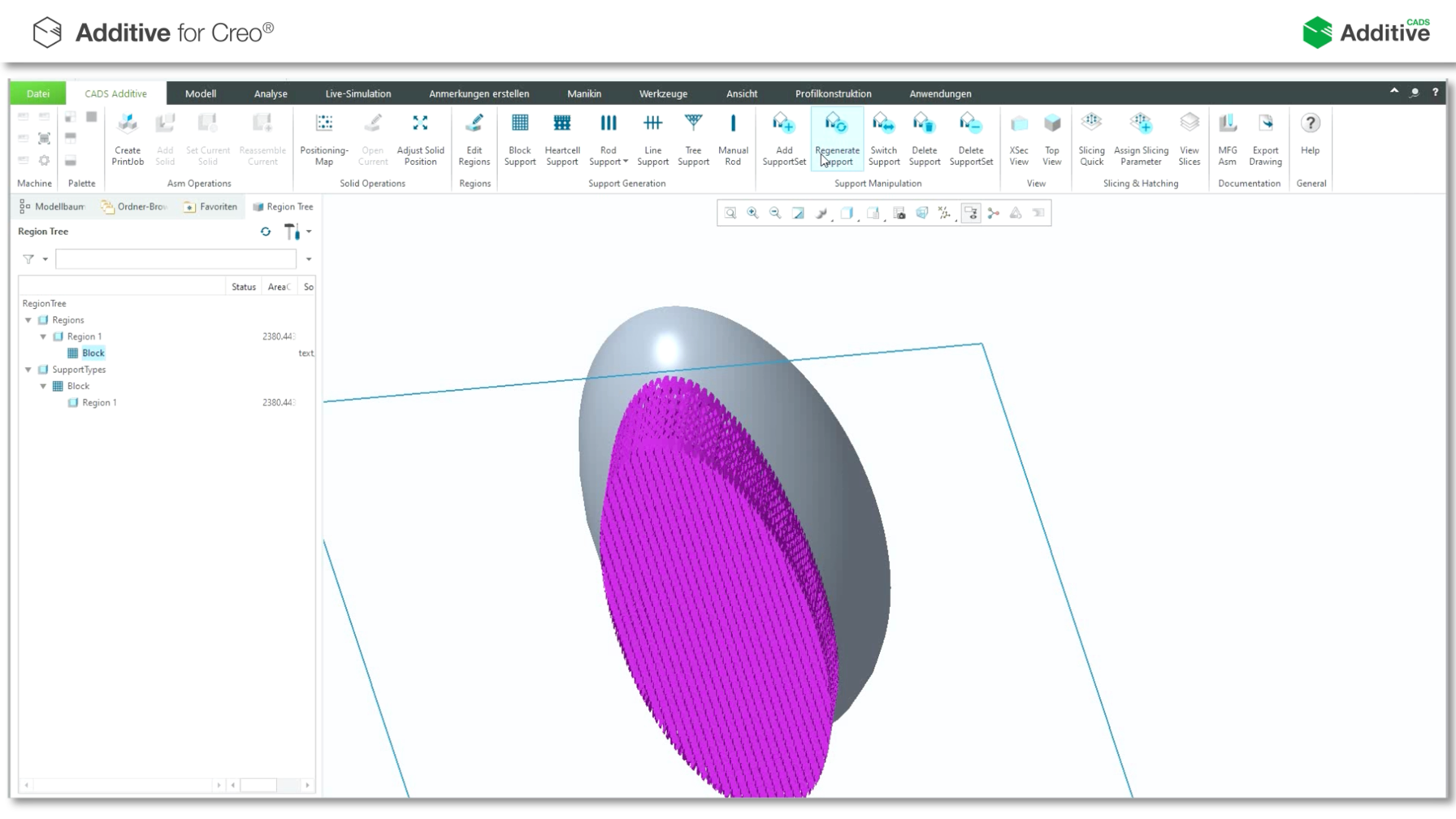
Creation of several individual settings of a component. Several support geometries can be assigned to a single compon...
Creation of a support consisting of several geometries on a component. The Line Thickening function can be used to in...